How Do I Cancel My Subscription?
Last updated: April 16, 2026
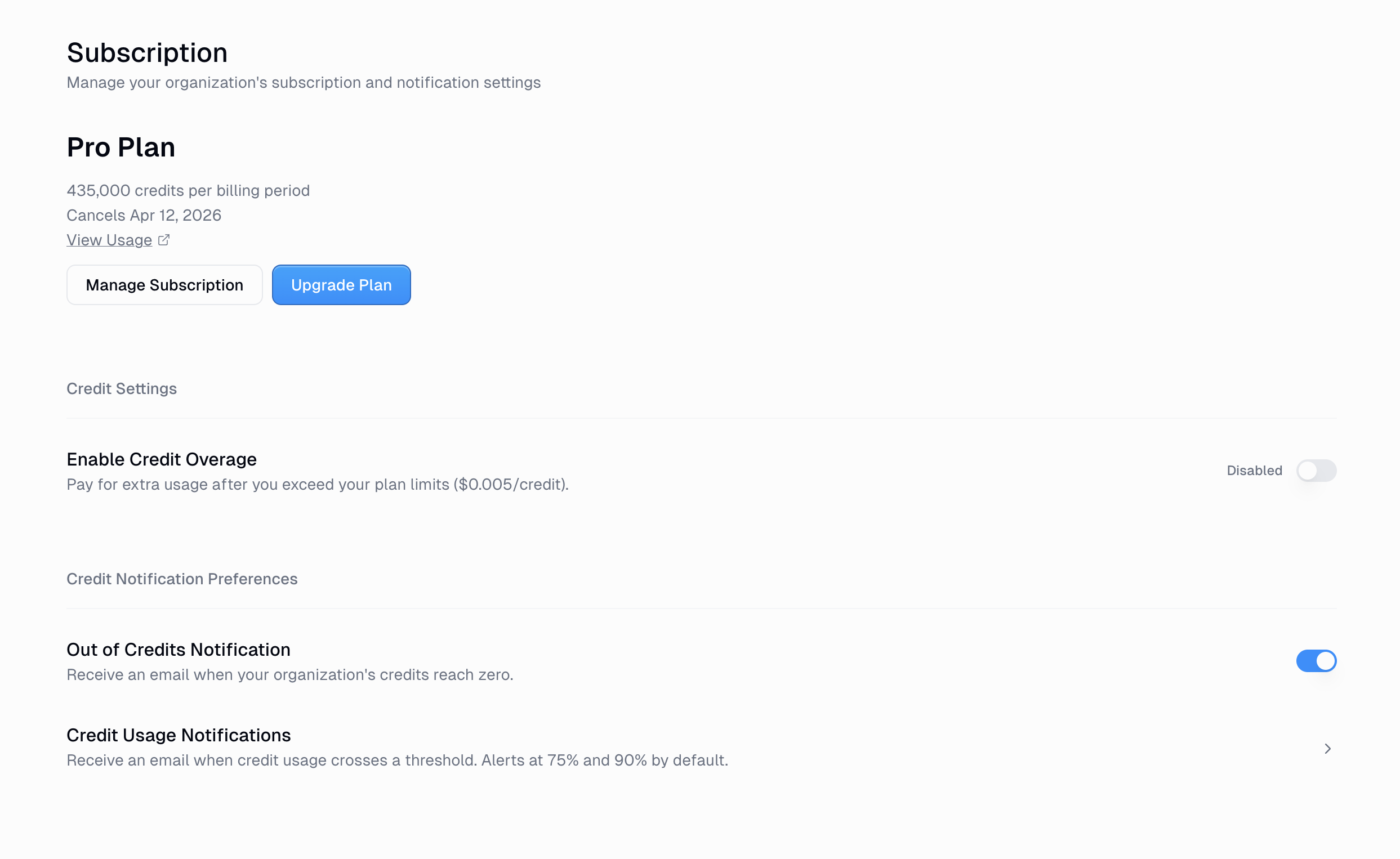
How to Cancel
Click Manage Subscription
You'll be redirected to the Stripe billing portal — click Cancel plan from there
What Happens After You Cancel
Your current plan stays active until the end of your billing period — you won't lose access immediately.
After the billing period ends, your account is downgraded to the Free plan.
Your agents, workflows, and data are not deleted — they remain in your account, but will be subject to Free plan limits.
Good to Know
Only an Organization Admin can cancel the subscription. If you don't see the Manage Subscription button, ask your org admin to do it.
Related Docs
Organization Roles — who can manage billing and subscriptions
Credits — how credits work across plans
Still Need Help?
If this didn't resolve your issue, reach out to support at support@gumloop.com.