Can I Generate Videos with My Agent?
Last updated: April 15, 2026
Agents can generate images directly in chat, but they cannot generate videos by default. To create AI-generated videos, add the Fal integration to your agent — it supports text-to-video generation through fal.ai models.
Symptoms
You asked your agent to create a video ad, commercial, or animated clip and it either produced images instead or returned
An unexpected error occurred.The agent seemed to start working but the chat session ran into errors after a long, detailed video prompt.
You received an error after a conversation that consumed a large number of credits.
Cause
Agents have a built-in Image Generator tool that creates images from text prompts using AI models like DALL-E and Gemini. However, there is no built-in video generation tool. When you ask for a video, the agent may attempt to fulfill the request by generating images, or it may fail if the prompt is too long and complex — exhausting the agent's context window. Context window exhaustion causes the generic An unexpected error occurred message.
Credits are consumed as the agent processes your request — including the reasoning steps, tool calls, and any image generations it attempted — even if the final result isn't what you wanted or the session errors out.
Resolution
Option A: Add the Fal Integration to Your Agent (Recommended)
Fal is an AI inference platform that gives your agent access to text-to-video, text-to-image, text-to-audio, text-to-speech, and text-to-3D generation models.
Open your agent's settings.
Click Add tools → Add an App.
Search for Fal and select it.
Once connected, ask your agent something like: "Generate a 5-second animated video of a logo reveal with a dark background."
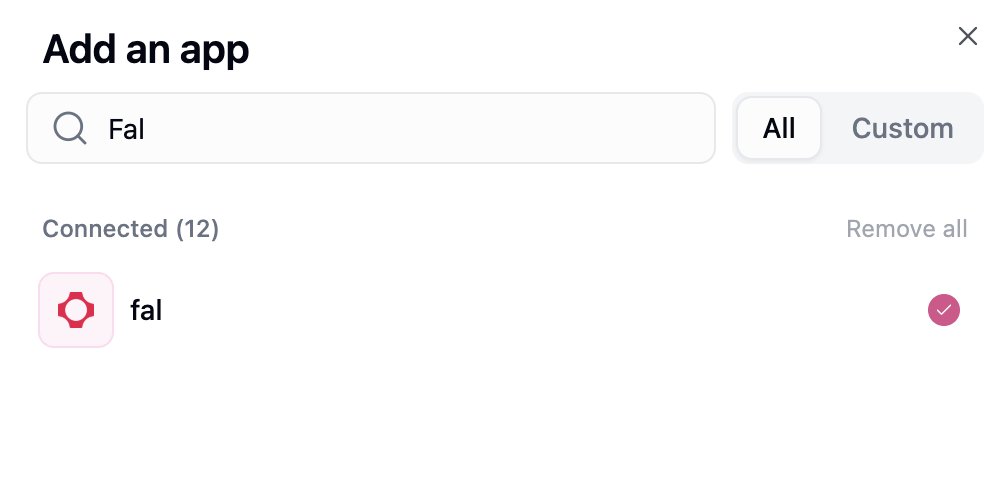
The agent will search for the right video model, submit the generation request, and poll for results automatically. Video generation typically takes a few minutes — the agent handles the waiting for you.
Option B: Use the Arcads Video Creator in a Workflow
If you need AI-generated spokesperson videos for ads, the Arcads Video Creator is purpose-built for that use case. It's available as a workflow node that connects to the Arcads API to create video ads with AI-generated actors.
Tips for Avoiding Errors
Start a new chat for each request. Long conversations increase token usage and can exhaust the context window. If your conversation is getting long, open a fresh chat.
Be specific but concise. A short, focused prompt like "Generate a 5-second product reveal video" works better than pasting an entire multi-scene video script.
Check your credit balance before large generations. You can view your remaining credits at Settings → Usage & Limits.
Still Need Help?
If this didn't resolve your issue, reach out to support at support@gumloop.com.
Related Docs
Fal Integration — Full reference for fal.ai models, tools, and credit costs
Arcads Video Creator — AI-generated spokesperson video ads
Credits — How credits work for agents and workflows
Agents — Agent capabilities, tools, and configuration